Travel Photography: Practical Guide for 2026
Master travel photography in 2026: compact gear, AI post-production, composition and secure cloud storage. In 2026, travel photography has been transformed…
In 2026, travel photography has been transformed by AI sensors, generative editing, and near-unlimited cloud storage. Whether you shoot on a flagship phone or a lightweight mirrorless, here is how to get the best results on the road.
Recommended Compact Gear in 2026
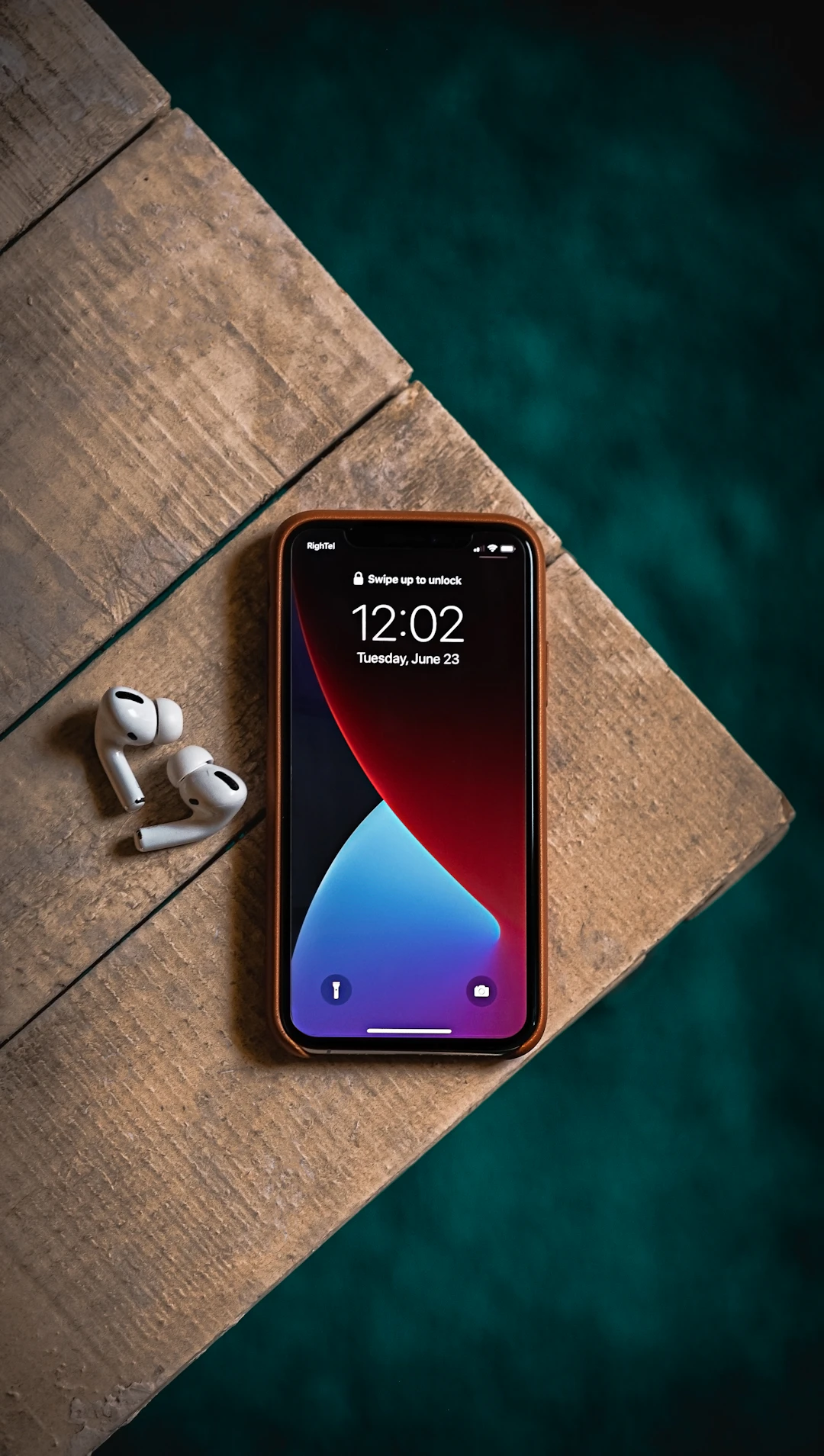
Smartphones now rival dedicated cameras in most conditions. The iPhone 17 Pro Max features a 1-inch sensor with exceptional dynamic range. The Galaxy S26 Ultra offers a 10x optical zoom that captures distant subjects without quality loss. The Google Pixel 11 Pro leads in computational photography, with AI-enhanced night mode and real-time HDR that produces stunning results with zero effort. For those who prefer a dedicated camera, the Sony A7C II weighs just 513 g and delivers full-frame quality in a compact body. The Fuji X-T5 (557 g) offers classic color science and tactile controls. The DJI Pocket 3 (179 g) is ideal for video, fitting in a pocket while capturing 4K stabilized footage. Choose based on your primary output: phones for social media and travel blogs, mirrorless for prints and professional licensing.
Smartphone vs Mirrorless — The 2026 Verdict
For 95% of travel photography, a flagship smartphone is sufficient. Modern phones handle golden hour portraits, street scenes, and landscapes beautifully. The gap narrows in very low light and when you need shallow depth of field — here mirrorless still wins. If you are published professionally or shoot in extreme conditions, carry a mirrorless body with one versatile zoom lens. For everyone else, your phone plus good technique produces images that satisfy all but the most demanding uses.
Composition Fundamentals
Master these rules before worrying about gear. The rule of thirds places your subject off-centre for balanced images. Leading lines — roads, rivers, fences, bridges — draw the viewer into the frame. Foreground elements paired with a strong background create depth in landscapes. Shoot during golden hour (the first hour after sunrise and the last hour before sunset) for warm, flattering light. Blue hour (30 minutes after sunset) produces moody cityscape and seascape shots. In 2026, most phones automatically suggest optimal framing — use these guides but trust your eye.
AI-Powered Post-Production
Adobe Lightroom Mobile with Generative Remove can erase tourists, power lines, and rubbish from your photos in one tap. Photoshop Mobile adds Generative Expand to extend backgrounds seamlessly. Snapseed remains a powerful free option for quick edits. DxO PureRAW 5 uses AI to remove noise while preserving detail — essential for low-light shots. Topaz Photo AI upscales images up to 4x without visible artifacts, ideal for cropping into distant subjects. These tools are not cheating — they are the 2026 equivalent of a darkroom.
Staying Powered and Mobile
Long photography days drain batteries fast. Carry a magnetic wireless power bank (€19.90) for charging on the go. A foldable travel daypack (€16.90) keeps your camera gear organised and accessible without weighing you down.
Secure Backup Strategy
Use the triple backup method: keep photos on your device, auto-upload to the cloud (iCloud+ or Google One offer 2 TB for $9.99/month), and sync to an external SSD like the Samsung T7 (1 TB, $95) every night. Enable backup only on Wi-Fi to avoid data charges. For long trips, carry a small card reader to copy photos from camera to SSD without a laptop.
Related Resources
Combine these tips with our guide to the best travel apps for 2026 for editing and backup tools. See our packing checklist for camera-friendly bag organisation.
External Resources
- National Geographic — Travel Photography Tips
- Adobe Lightroom Tutorials
- Digital Photography Review — 2026 Camera Guide
FAQ
Phone or mirrorless on the road?
Phone for 95% of cases, especially with 2026 flagship sensors. Mirrorless if you shoot professionally, need very low light performance, or plan to print large.
How to avoid losing photos?
Triple backup: device storage, auto cloud upload, and a nightly external SSD sync. Never travel without at least two copies of every image.
Can I use generative AI in travel photos?
Yes for practical editing — removing tourists, cleaning up backgrounds, adjusting skies. For artistic publication, disclosure is recommended but not always required.



![Best Travel Credit Cards With No Fees 2026: 7 Cards Ranked for Slow Travel [No FX Fees]](https://images.unsplash.com/photo-1556742049-0cfed4f6a45d?w=1080&q=75&auto=format&fit=crop&fm=webp "Best Travel Credit Cards With No Fees 2026: 7 Cards Ranked for Slow Travel [No FX Fees]")